
Following a Garmin Force route – step-by-step guide (autopilot)
Want your Garmin Force trolling motor to automatically follow a route? Then you’re in the right place.
With the built-in autopilot function, you can have your boat sail perfectly along pre-set fishing zones — without constantly having to steer manually.
In this guide we explain step by step how to follow a Garmin Force route via your chartplotter.
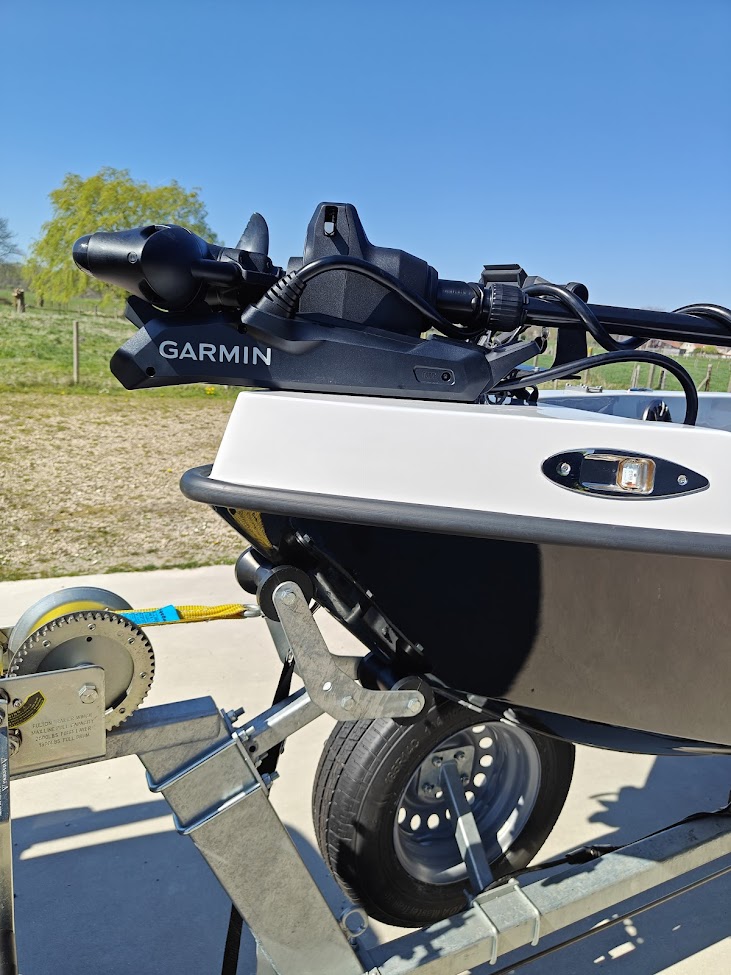
Why follow a Garmin Force route?
Following a Garmin Force route is especially useful when you:
- want to fish along structures (drop-offs, flats, mussel beds)
- want to fish the exact same line multiple times
- want your hands free to fish
- want to drift in a controlled way without deviation
Especially in wind or current, this is a massive advantage.
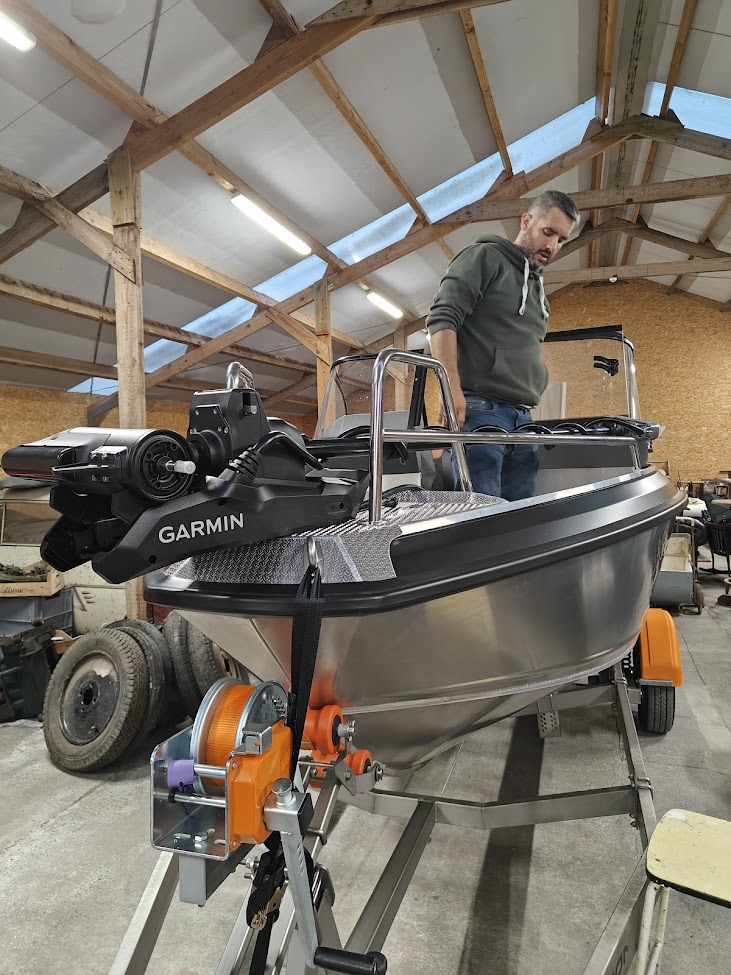
Step 1: choose an endpoint on your Garmin chartplotter
Everything starts on your Garmin chartplotter.
- go to the map
- choose the endpoint of your route
- for example a pike spot, drop-off or structure
This becomes the destination your Garmin Force will sail to.
Step 2: create a route and add turns
To correctly follow a Garmin Force route, you need to create a route.
- tap “Route to”
- add waypoints
- determine where your boat should turn
Every turn you add is followed exactly by the trolling motor.
Tip: the more control you want, the more points you should add.
Step 3: waypoints and finalising the route
While creating your route:
- add each turn via “add turn”
- build the ideal line
- confirm the route with “Done”
Your route is now ready to use.
Step 4: activate autopilot on the Garmin Force
Once your route is ready:
- you’re asked to activate the trolling motor
- choose “engage”
The autopilot is now linked to your route.
This is the moment the “follow Garmin Force route” function becomes active.
Step 5: start the motor and sail automatically
Now all you need to do is:
- go to the toolbar
- start the propeller
And that’s it.
Your boat now automatically follows the set route.
What happens during automatic sailing?
When you follow a Garmin Force route:
- the motor keeps you perfectly on course
- it automatically corrects for wind and drift
- it follows the set line exactly
- it stops at the endpoint
Meanwhile, you can focus entirely on fishing.
Practical applications on the water
This function is extremely handy for:
- perch fishing along drop-offs
- zander fishing on lines
- repeatedly fishing hotspots
- systematically searching for fish
Especially combined with LiveScope, this becomes an incredibly powerful tool.
Watch the full Garmin Force tutorial
Want to see this process visually?
Pro tip for better boat control
Want to get even more out of this function?
Combine route following with:
- the right speed
- correct positioning of your transducer
- and a logical fishing line
That way you turn your Garmin Force not just into a motor, but a genuine fishing tool.
Common mistakes when following a Garmin Force route
- adding too few turns → inaccurate line
- choosing the wrong endpoints
- sailing too fast → less control
- not accounting for wind
Small mistakes, big effect on your fishing.
Getting the most out of your Garmin Force?
Want to get everything out of your setup?
Then it’s important to:
- know your chartplotter well
- use functions like autopilot and routes correctly
- tailor your setup to your fishing style
In our webshop you’ll find everything for a complete Garmin setup, including advice and installation.